
- Quick Start Guide for Gen1 S1070/S1080/S1090
- Pairing with the ASAHOM App
- Cutting & Reconnecting for Gen1 Waterproof Junction Box
- LED number setting for Gen1 Controller
- Cutting & Reconnecting for Gen 2 Waterproof Junction Box
- Quick Start Guide for Gen2 S1070/S1080/S2080
- Layout Setting for Gen2 Controller
- How to connect to Ethernet (Gen 2 S1080 S2080 only)
- Power extension cord
- Gen 1 T-splitter
- Power-T Connector
- Wire Clip / Screw Pack
- End Cap
- Gen 1 Waterproof Junction Box
- Wall-Mount Enclosure Kit
- Track-Mount Kit
- Gen 1 Light string extension cord
- Gen 1 Controller
- Fault Detection Module
- Gen 2 T-Splitter
- Gen 2 Waterproof Junction Box
- Gen 2 Light string extension cord
- Gen 2 Controller
- Dual Output vs. Single Output: Unlock Greater Flexibility for Your Permanent Outdoor Lights
- Why ASAHOM Permanent Outdoor Light Installations Over 200ft Need Extra Power Injection?
- The Simple, Secure Seal: Why ASAHOM's Waterproof Connectors Are a Game-Changer
- Unleash Your Creativity: How ASAHOM's Palette & Effect Combo Redefines Smart Lighting
- Why Your Outdoor Lights Stay Connected: The Truth About WiFi & Why ASAHOM Uses 2.4GHz
- Beyond Simple Splitting: How the ASAHOM T-Splitter Redefines Smart Lighting Control
- Redefine Your Night: The Power of Zone Control with ASAHOM
Gen 2 Light string extension cord
ASAHOM now offers Gen 2 light string extension cord and pro version with upgraded wiring, featuring more length options and extra-long options. Compatibility with other brands is no longer supported
Gen 2 Light string extension cord
Available length: 24ft / 12ft / 6ft / 3ft / 1ft
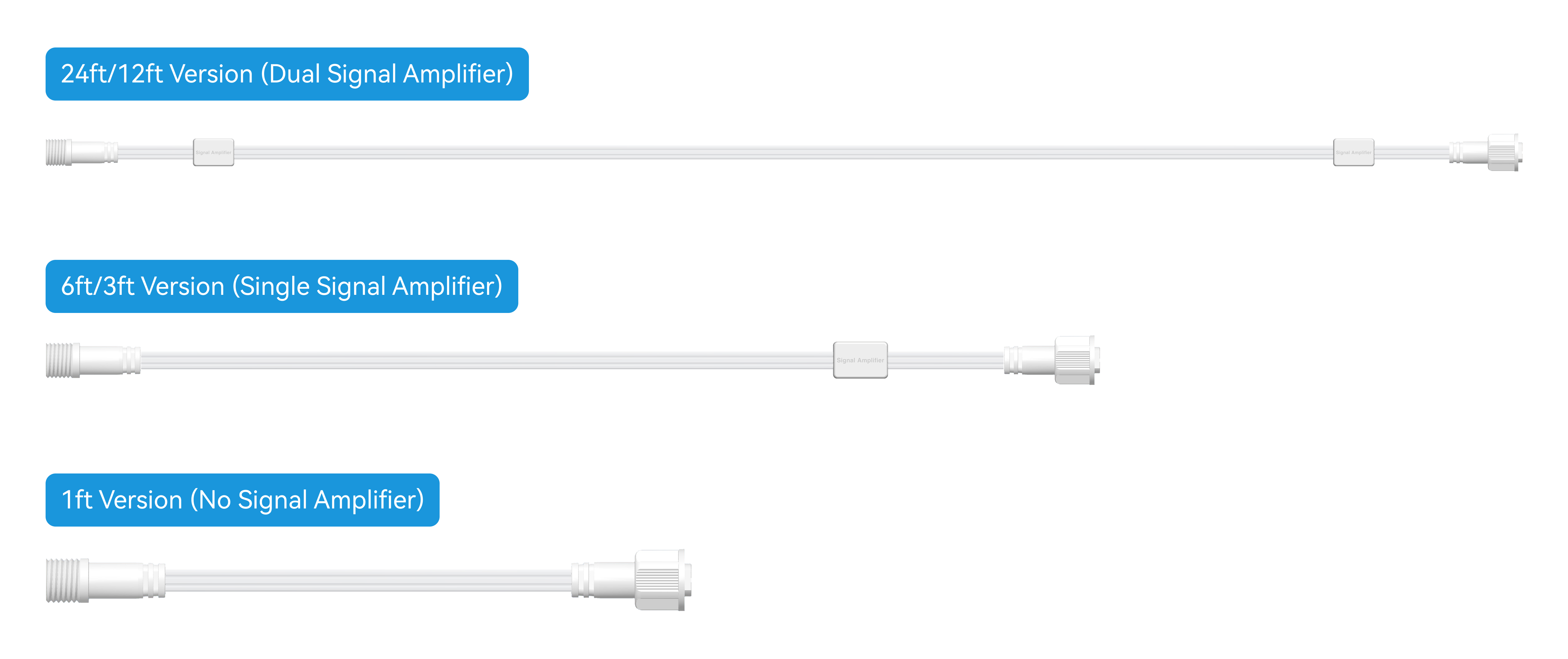
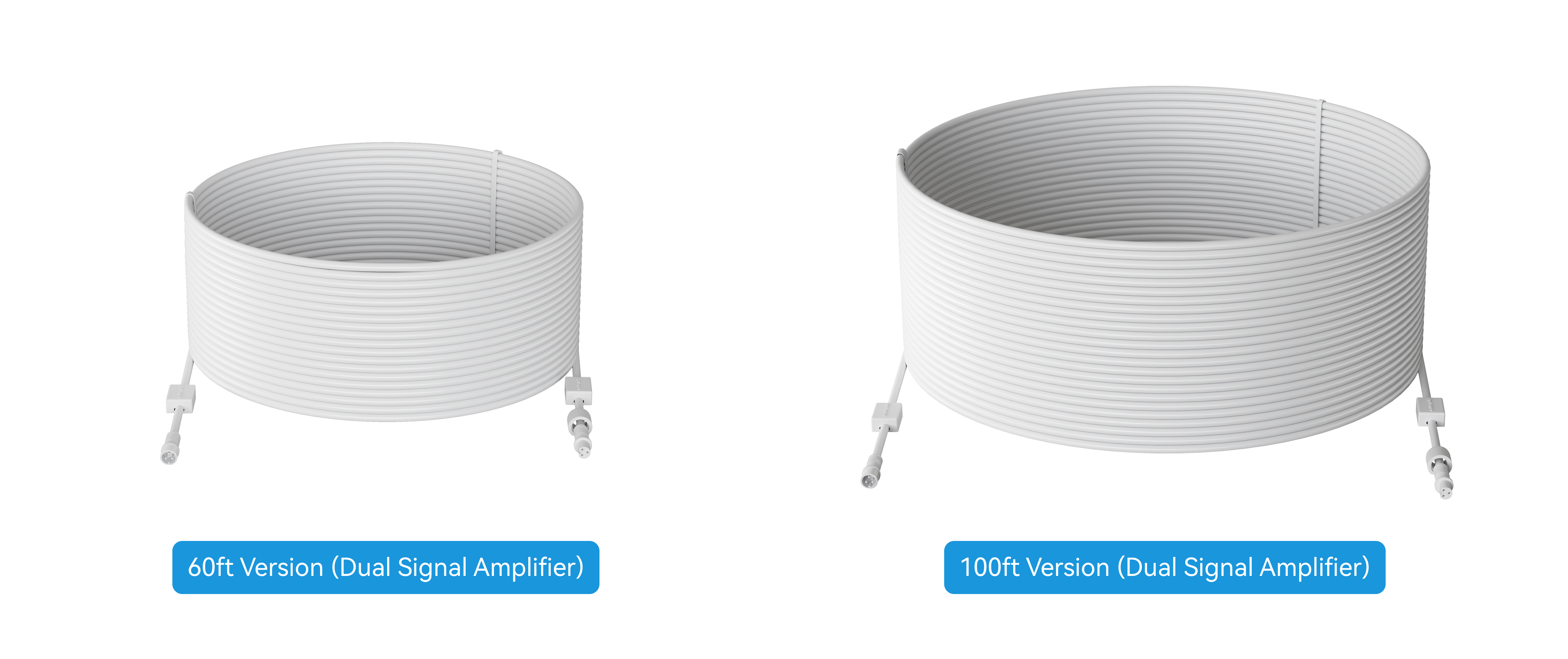
Light string extension cord Pro
Compatibility
Installation Instructions
1. Disconnect all power supplies to the light string.
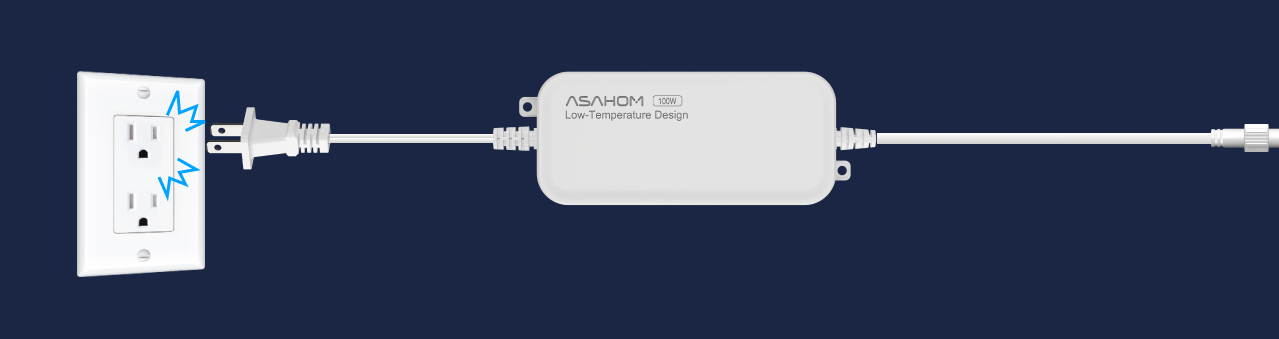
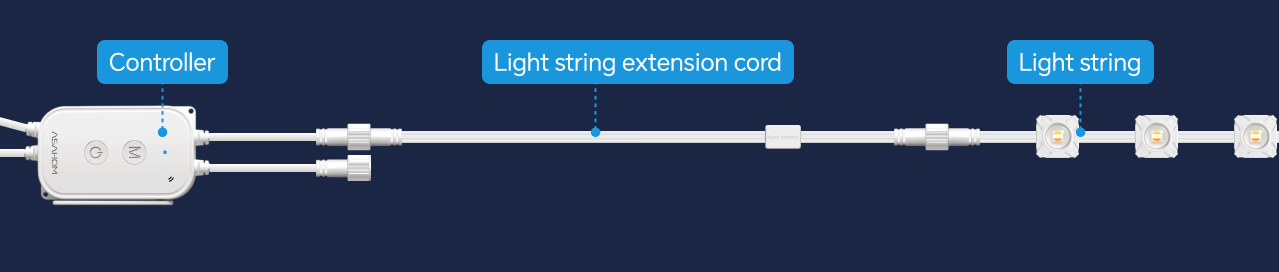
2. Connect one end of the extension cord to the controller or the previous light string, and the other end to the next light string.

3. Ensure the connectors are properly aligned and fully inserted, and tighten the waterproof nut securely.

4. After all connections are complete, turn on the power and test whether the light string is working properly.
Note
To ensure stable signal transmission, avoid connecting too many 1 ft Light
String Extension Cords in series.
- Before the 3 ft extension cord: Do not connect more than 3 consecutive 1 ft
extension cords
- After the 3 ft extension cord: Do not connect more than 7 consecutive 1 ft
extension cords
12 ft Light String Extension Cord
- Before the 12 ft extension cord: Do not connect more than 6 consecutive 1
ft extension cords
- After the 12 ft extension cord: Do not connect more than 7 consecutive 1 ft
extension cords
- If the extension cable is too long, voltage drop may occur at the end of the run,
which can cause flickering or color distortion. You can resolve this issue by
adding a power injection supply.
- If you need to cut the extension cord, make sure to retain the signal amplifier
within the installed wiring. This ensures stable signal transmission and proper
lighting performance.
Updated on 19 Sep 2026
What are your Feelings?
Thanks for your feedback
- Choosing a selection results in a full page refresh.
- Opens in a new window.